Your timesheet,
filled by AI
Everhour AI watches your team's activity across apps and logs time to the right projects — automatically. Every billable hour captured, zero effort required.
Mac only · Private beta · Access by invitation
01
Install our Mac app
Our lightweight app watches your activity and aggregates contexts and dependencies.
02
Dive into routine
Use your apps normally. Connect your Asana, ClickUp or Linear for tasks context.
03
AI analyzes context
Our algorithms analyze usage to map it with proper tasks. Learns your patterns over time.
04
Timesheets fill themselves
You get an accurate, up-to-date picture of your work without any effort.
Other tools track apps.
Not the tasks behind them.
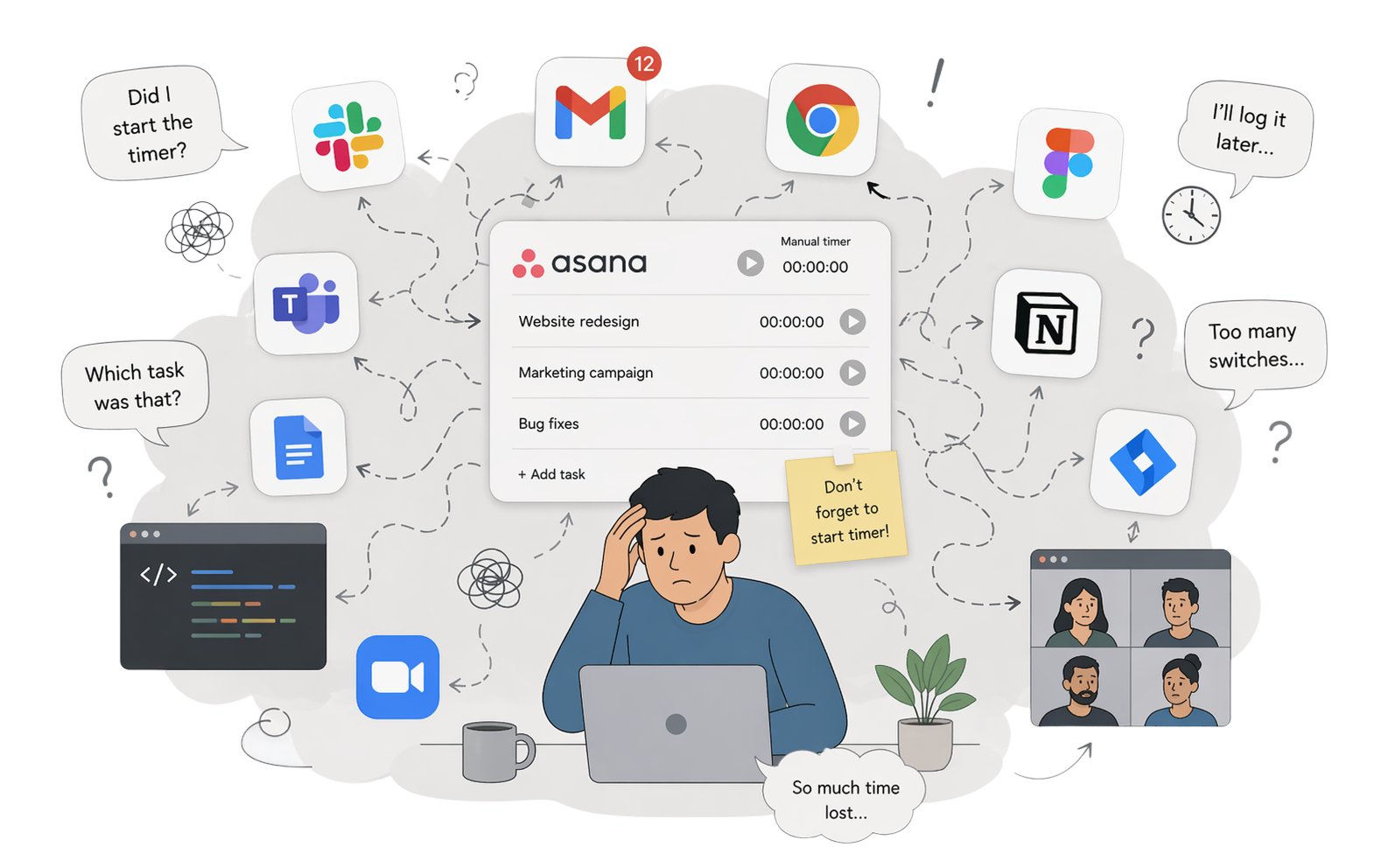
They just capture which apps you had open and for how long. Each activity still needs to be manually assigned to the right task. Everhour AI understands the context and does it automatically.
You must assign a task to every app activity
Everhour reads the context and assigns the right task
Asana now offer native tracking.
None work themselves.
No one stays inside Asana all day. You jump between Slack, Figma, GitHub, and a dozen other apps. Everhour AI sees every switch and logs time to the right task automatically, every time.
feels like too much
How much are you leaving on the table?
Most teams track only 75–80% of billable hours. The rest disappears between app switches and forgotten timers.
Number of people who track billable time
Default based on avg. US agency rate (Clutch, Clio, etc.). Adjust to your team.
What % of your actual work ends up in timesheets. Industry average is 75–80%.
Going from 75% to 95% tracking accuracy across 10 people means $52,800 more per month — $633,600 per year. The first step is knowing where your billable time actually goes.
You're always
in control
The detailed activity log that powers Everhour AI lives only on your device. Your team sees exactly what they always have — tracked tasks and time. Nothing more.
Common questions
Everhour AI reads app names, window titles, and browser tab URLs in real time. It uses AI to match that context to the right task — based on your current projects, recent activity, and patterns it learns from you over time. No screenshots, no screen recording, no keystroke recording.
No. Everhour AI only captures signals relevant to work: the app in focus, its window title, and the current URL in your browser. It never reads content, captures keystrokes, or records your screen. You can also set working hours so it only tracks during your defined work window — everything outside stays private. Plus you can exclude Incognito and certain apps.
No. The detailed activity log — app names, window titles, URLs — is visible only to you, on your device. Your team and managers see exactly what they always have: task names, projects and durations in Everhour. Nothing more.
You're always in control. You can review, edit, or delete activity history. You can also correct tasks recorded — and every correction trains the model to be more accurate for you next time.
Everhour AI works with all the tools Everhour integrates with — including Asana, Linear, Jira, ClickUp, Notion, GitHub, Trello, and more. Everhour AI can match time to any task and project connected.
Everhour AI is currently macOS only. A Windows version is planned and will be released separately at a later date. If you'd like to be notified when it's ready, request early access and let us know you're on Windows.
Everhour AI private beta is coming soon. We're working with a small group of early access teams to test accuracy and refine the experience.
Fill out the early access request form below — tell us a bit about yourself and your team. We'll reach out when we're ready to onboard you, or if we have any questions.
Be first to try it.
Help shape it.
We're looking for teams who feel the pain of manual tracking and want to help us build the right solution. Early access members will be first in when we're ready to launch.
Mac only · Invite-based · No spam, just updates when we're ready