Basecamp is one of the most popular project management tools for remote and async teams. This tutorial shows how to get started and layer in time tracking with Everhour.
Projects & to-dos
Everything in Basecamp lives inside a Project. Each project has To-dos, Message Boards, a Schedule, a Docs & Files area, and a Campfire chat. To-do lists organize work into groups; individual to-dos can be assigned, given due dates, and marked complete.
Message boards & schedules
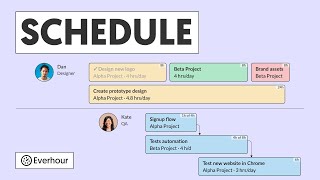
Use Message Boards to share updates, decisions, and announcements — keeping communication out of email. The Schedule shows key dates and milestones in a calendar view.
Time tracking in Basecamp with Everhour
Connect Everhour to Basecamp from the Integrations page, then install the Everhour browser extension.
Timer buttons appear on every Basecamp to-do. Click Start to begin tracking — all hours go straight into Everhour without any manual data entry.
Reports
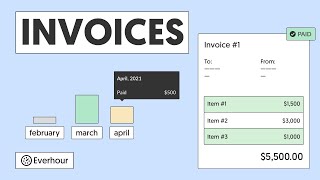
Filter Everhour reports by Basecamp project, to-do list, or team member. Export to CSV for invoicing, or generate a PDF to share directly with clients.