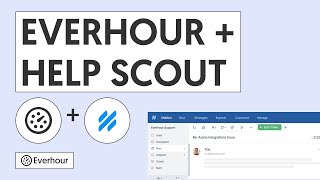
Everhour's Jira Cloud integration provides a richer time tracking experience than Jira's built-in work log. The Everhour add-on installs directly from the Atlassian Marketplace and embeds a time tracking panel inside every Jira issue.
This tutorial covers the Atlassian Marketplace installation, how to replace Jira's native time tracking with Everhour, and how to leverage the reporting capabilities for sprint planning and billing.
What's covered in this video
- Installing the Everhour add-on from the Atlassian Marketplace
- Disabling Jira's built-in time tracking and switching to Everhour
- Using the time tracking panel in Jira issue sidebar
- Syncing Everhour entries back to Jira work logs
Key features shown
- Native Jira sidebar panel with timer and manual entry
- Original estimate, time spent, and remaining time fields
- Sprint-level reports with breakdown by issue type, epic, and assignee